
Residents of Grace Pointe Apartments, 113 Magnolia Ln in Longview, Texas, pay rent online through the resident portal. The portal is run through AppFolio, the system our management team uses for leases and payments. You can log in from a phone or a computer, any time of day.
How to pay rent online
- Open the resident portal. Use the button above, or the Tenant support link at the bottom of every page on this site.
- Sign in with the email address the leasing office has on file for your lease.
- Choose the payment option in the portal and follow the steps to pay your rent.
- Keep your confirmation. Save or screenshot the confirmation for your records.
If you have never logged in before, or you are not sure which email address is on your lease, call the leasing office at 903-414-6336. We will help you get into your account.
Payment options and autopay
Ask the leasing office which payment methods are set up for your account and whether automatic payments are available. Call 903-414-6336, or stop by Monday to Friday from 10:30 am to 2:00 pm. Saturday visits are by appointment.
Your lease sets the rent due date and any late fee. If you are unsure of either, check your lease or ask the office before the due date, not after.
Maintenance and other requests
- Emergencies: call 903-414-6336. Emergency maintenance is available 24 hours a day.
- Routine repairs and questions: send a request through our tenant support page. It goes straight to the leasing office with your apartment details.
Not a resident yet?
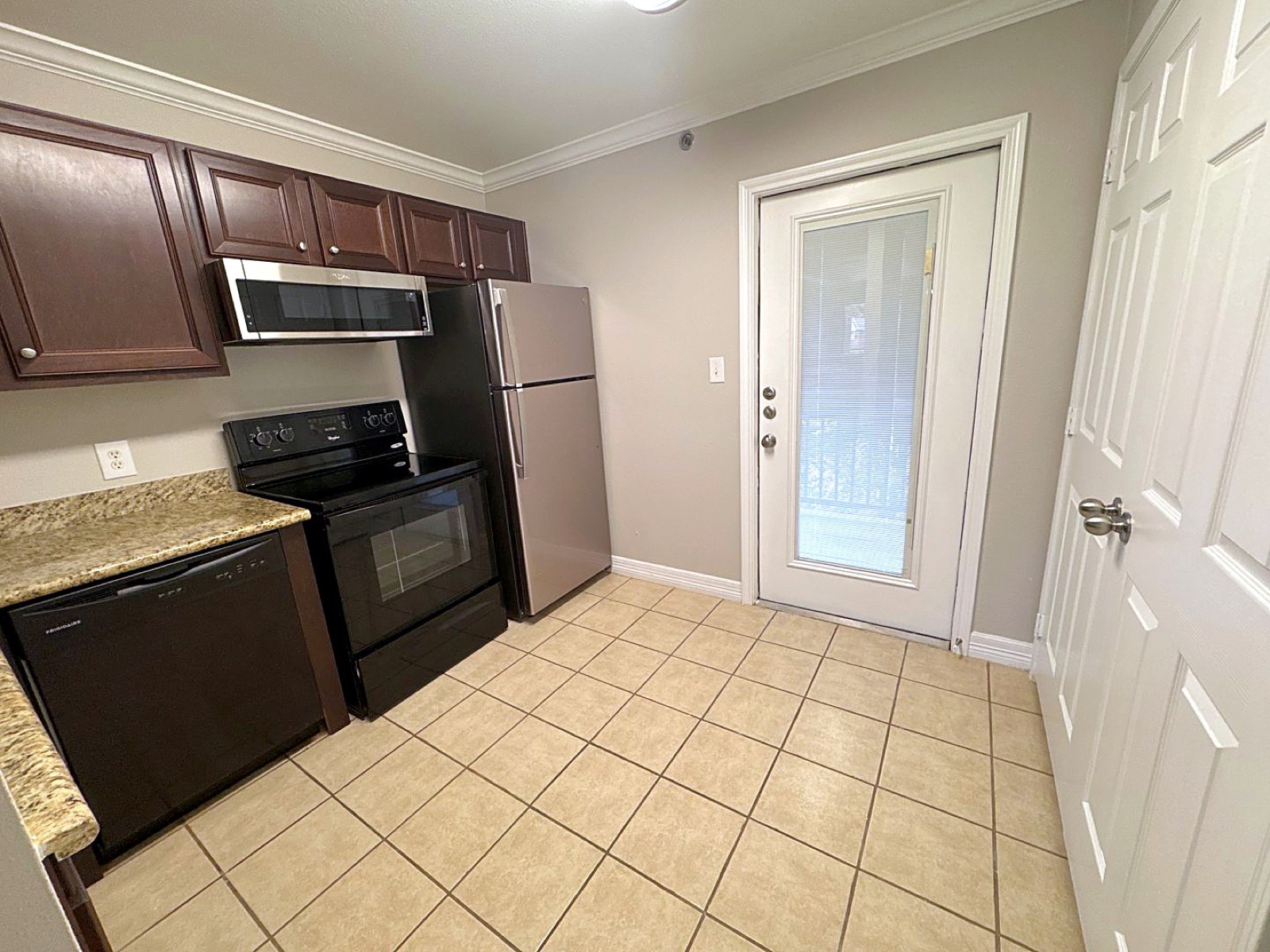
Grace Pointe has 1 bedroom apartments from $1,195 a month and 2 bedroom, 2 bath apartments from $1,295, with gated entry, a pool and a dog park. Classic units are $50 less. Prices and availability are subject to change. If you are moving to town, the Longview utilities setup guide lists who to call for electricity, water and internet.
Frequently asked questions
How do I pay rent at Grace Pointe?
Pay online through the resident portal. Open the portal, sign in with the email address on your lease, and follow the payment steps.
I can't log in to the resident portal. What do I do?
Call the leasing office at 903-414-6336. We will check which email address is on your lease and help you get in.
Can I set up automatic rent payments?
Ask the leasing office which payment methods and automatic payment options are available for your account.
How do I report a maintenance problem?
For an emergency, call 903-414-6336 any time. For routine repairs, use the tenant support page on this site.